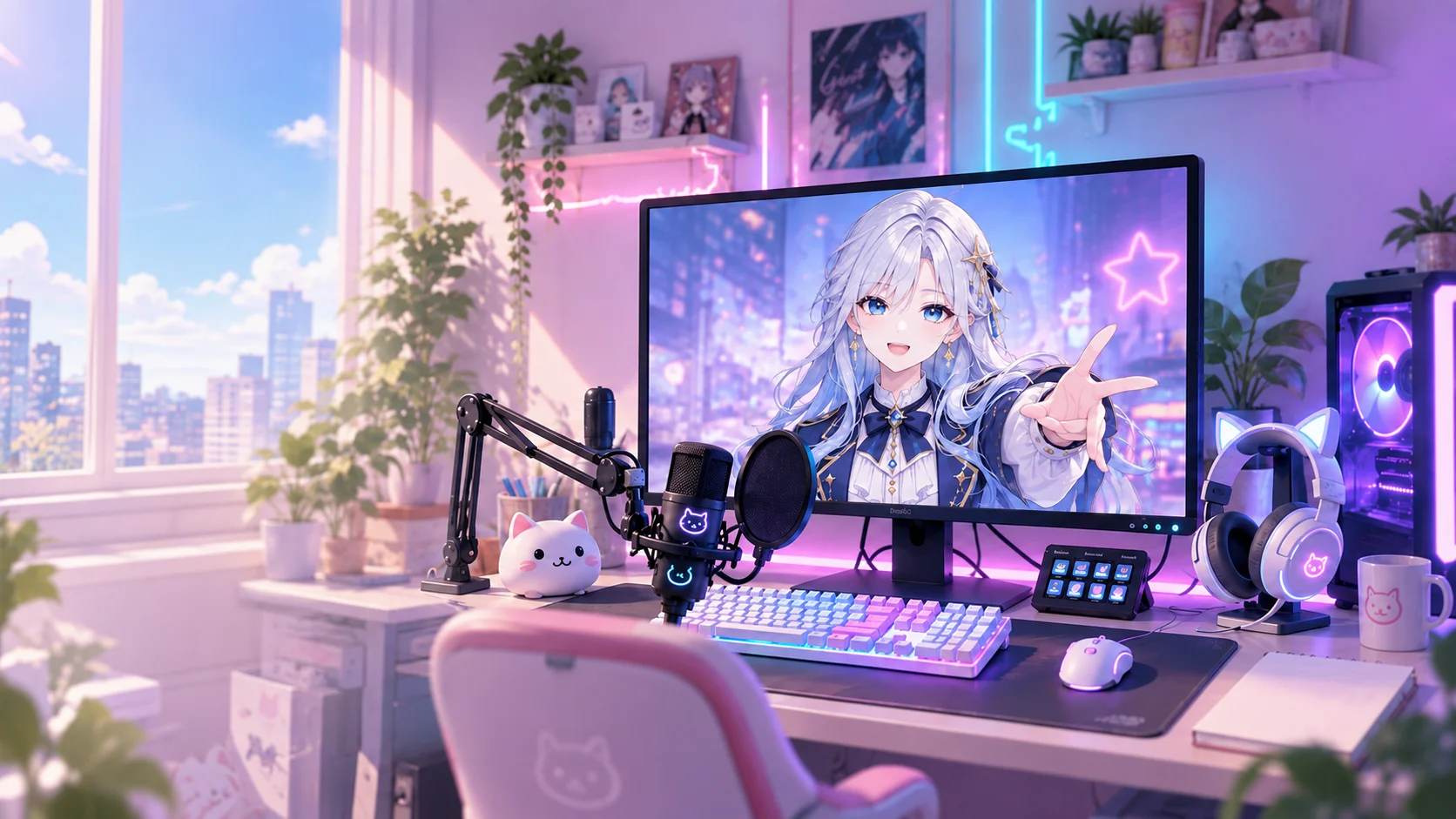
A new world. A character that feels like you.
Your newVTuberstory starts here.
Choose your character, set up your camera, and bring it into OBS. Start VTuber is a Windows app for preparing your stream.
Download the Windows app.
Time to create.
Room to be yourself.
Select bust-up Aster, check the camera response and arrange the character on your stream.
Actual adopted app screens, captured with the camera and output stopped.
Keep your ideas together.
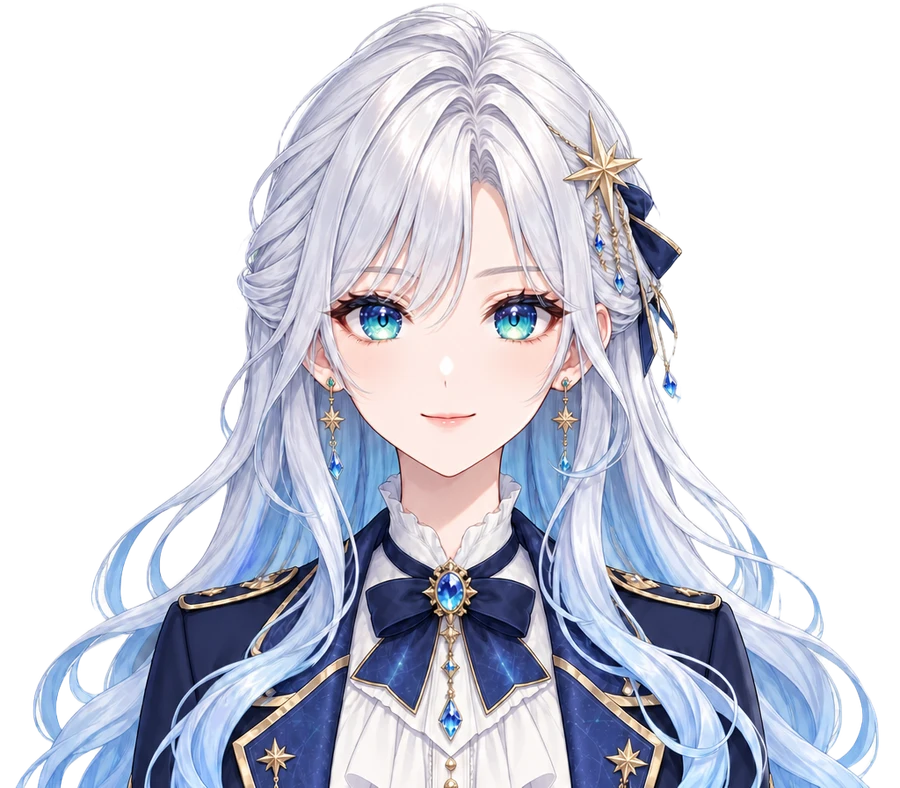
Meet Aster, with silver hair and star accessories. The app includes a bust-up sample.
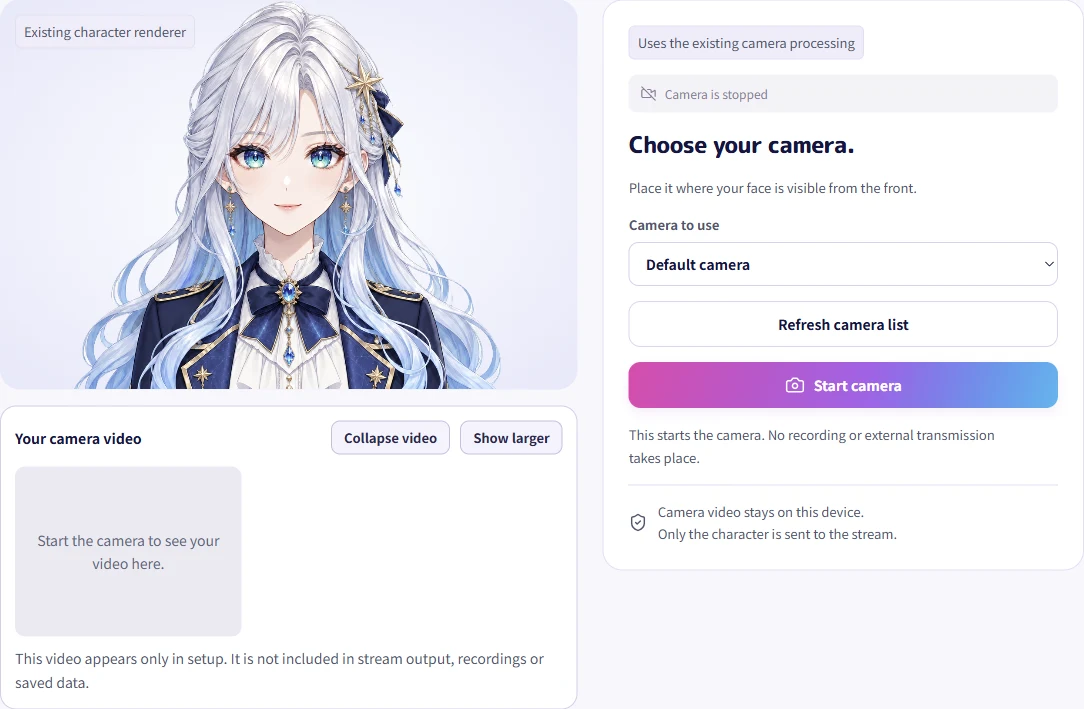
See the details that matter.
Compare head direction and eye and mouth movement in a large view.
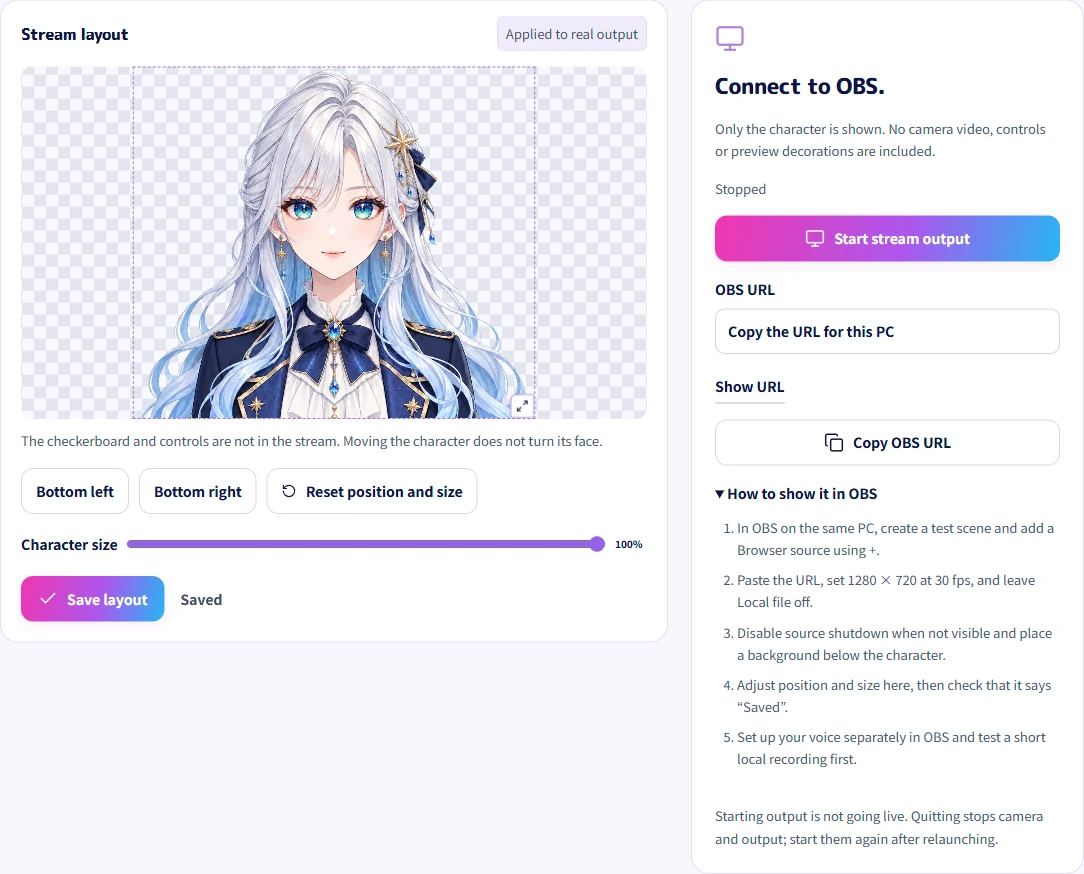
Make room on your stream.
Display images through an OBS browser source. Assets with transparency can blend into your scene.
CLOUD & PC
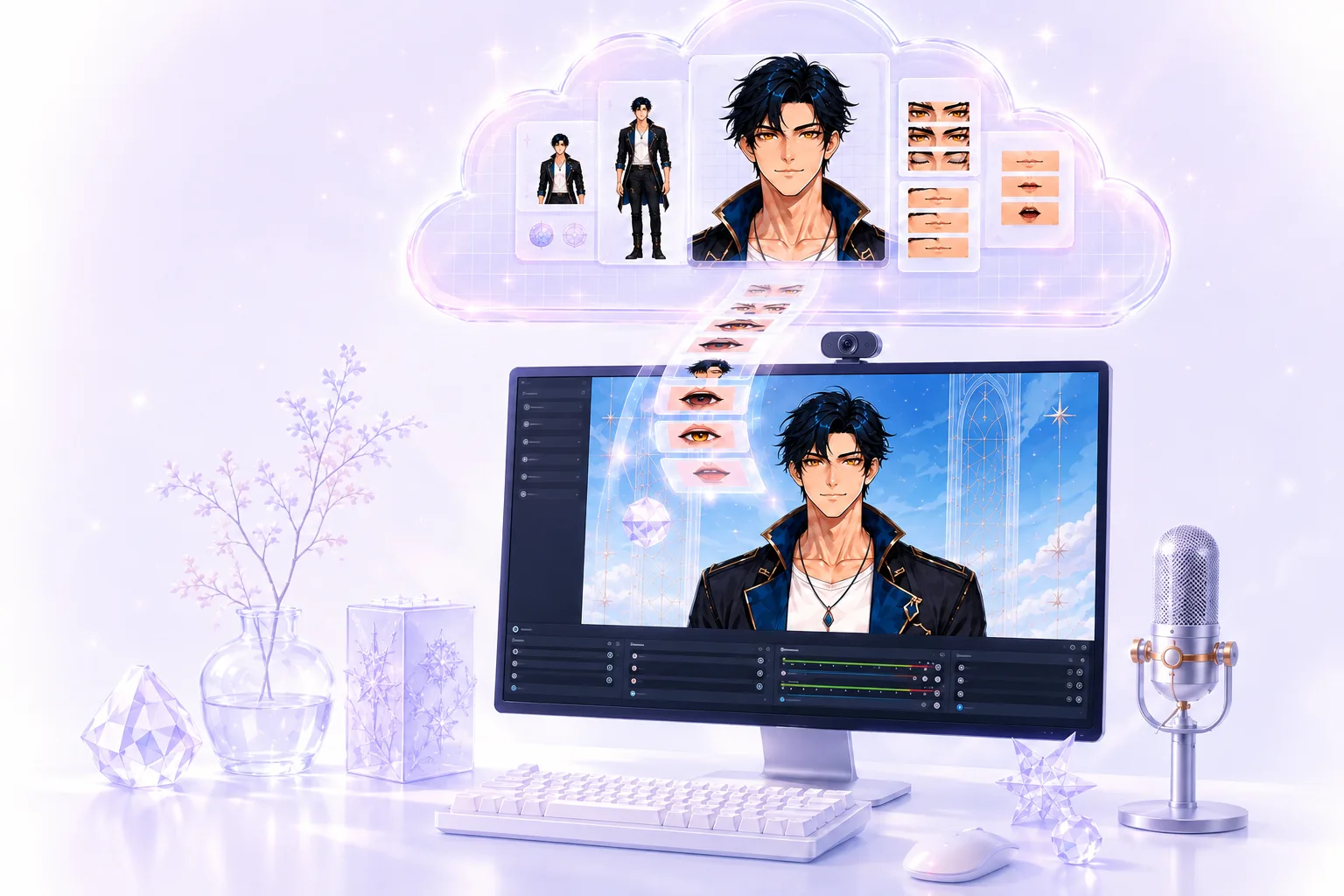
Heavy preparation,in the cloud.Streaming, on your PC.
Image generation and character finishing run in the cloud. Uploading, requesting production and receiving results require an internet connection.
- Create in the cloud
- Sign in with a valid production ticket to generate images and prepare backgrounds, expressions and direction assets.
- Display and stream on your PC
- Character rendering, camera recognition, OBS and games run on your PC. This is not a service that continuously streams your rendered video from the cloud.
More: screen labels and differences from earlier versions
Completed characters are saved in your private cloud library. Check progress in the app and resume from saved stages. Timing varies with connectivity and provider availability.
Sample character
Meet Aster, your first sample.
Aster
Meet Aster, with silver hair and star accessories. The app includes a bust-up sample.
Display images through an OBS browser source. Assets with transparency can blend into your scene.
Start with a bust-up character to prepare your display and stream. This does not announce support for full-body characters.
Your first step starts here.
- 01Learn more
Prepare your PC
Check Windows and the software you need.
- 02Learn more
Choose a sample
Start with a prepared character such as Aster.
- 03Learn more
Check the display
Set up your camera, then check the display in OBS.
Available now. Still to come.
Choose a sample to check head direction, blinking and mouth movement. The appearance of expressions is still being refined.
Start with text or up to five reference images, review and approve the front, review or revise directions, then receive the character after cloud finishing. Starting from images does not require repeated chat-style questions.
NEXT STEP
Prepare to stream,starting here.
A short guide to the equipment and steps you will need.
FAQDownload the Windows app.